
The icon and text size can be adjusted as well as other user interface options. In order to do so, you need to be in Edit Mode otherwise the option will not be visible and available.
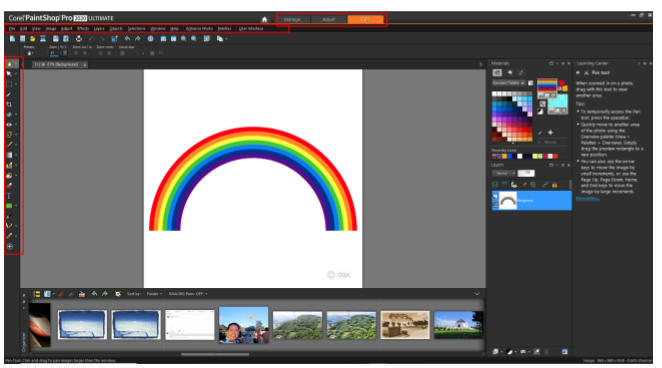
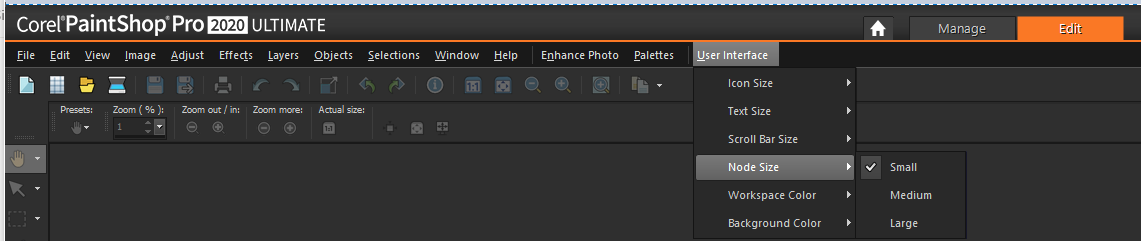
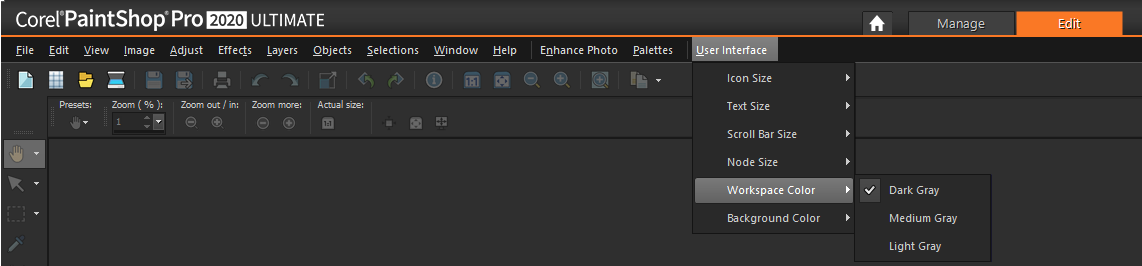
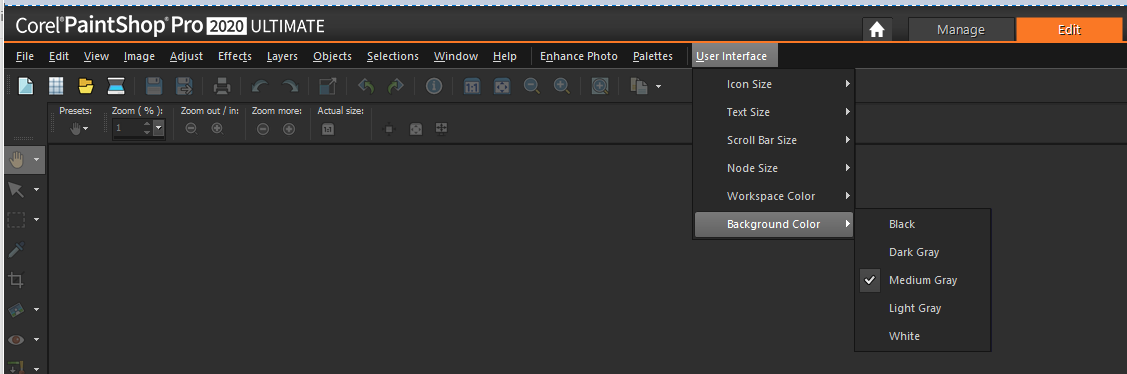
On the menu bar, click User Interface, and choose any of the following options:
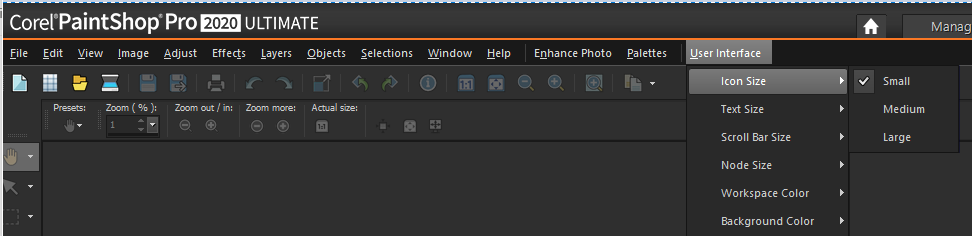
•Icon Size
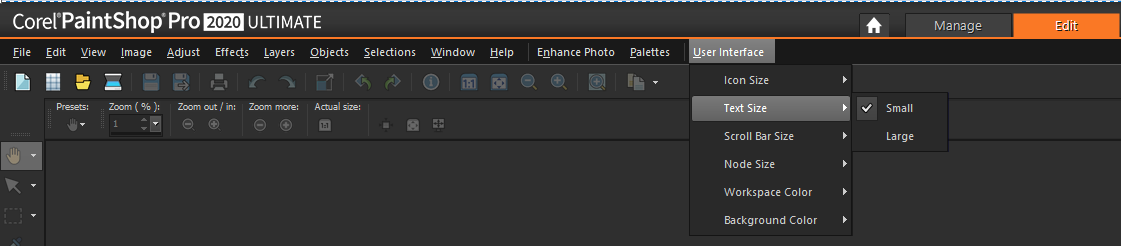
•Text Size
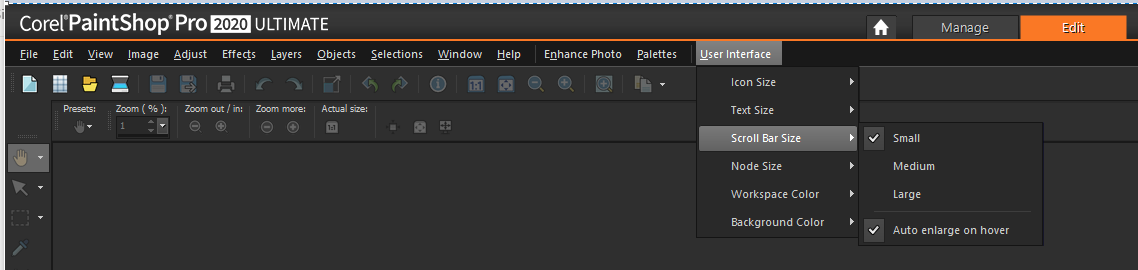
•Scroll Bar Size
•Node Size
•Workspace color
•Background color
Was this article helpful?
Tell us how we can improve it.