
How to import brush packs in Painter?
To import brush packs in Painter, follow the steps outlined below:
If you bought from the Painterartist.com Brushes store:
- Close Painter completely.
- Download the brush packs from your order confirmation and run the EXE (Windows) or PKG (Mac) files.
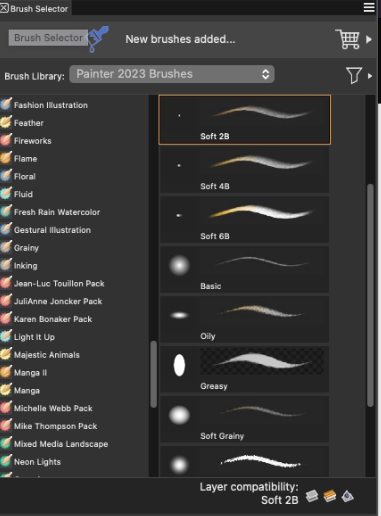
- Once brushes are installed, launch Painter. All brushes installed will appear in the Brush Drawer.
If you purchased the brush packs from within the program.
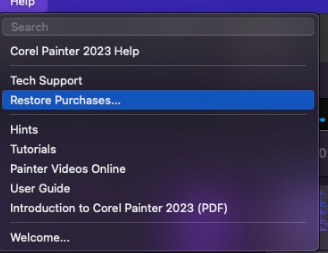
Click on Help > Restore Purchases (Windows / Mac)
(Mac) (Windows)
Enter your e-mail in the provided space, and click Continue
- On the Mac will you be asked for your account password.
- On Windows, the User Account Control (UAC) will appear.
Once confirmed, the restore process will continue.
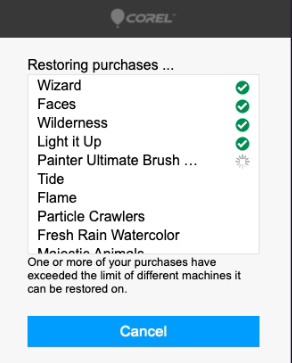
When completed, all restored brushes will appear in the Brush Drawer.
Was this article helpful?
Tell us how we can improve it.